Best Birthday Website Makers in 2026, Compared
An honest comparison of birthday website makers and online birthday card tools, from group boards to private one-person pages. Which one fits your situation.

Jeel Patel
Founder of OpenMe · 6 July 2026 · 4 min read
Search for a birthday website maker and every tool tells you it is the best one. That is not useful, because they are not actually competing at the same job. Some collect messages from thirty coworkers. Some stitch clips into a montage. Some build one private page for one person.
So instead of a ranked list, here is the honest version: what each tool is actually for, where it is strong, and where it is not. One disclosure before we start. OpenMe is our product, so read that section knowing we are biased, and judge it by the same questions we put to everyone else.
First, decide what job you are hiring for
Answer these two questions and the choice mostly makes itself.
- How many people are giving? Just you, or a group chipping in messages?
- What should it feel like? A pile of warm wishes, a highlight video, or a personal gift from you alone?
Now the tools.
OpenMe: one private page, from you to one person
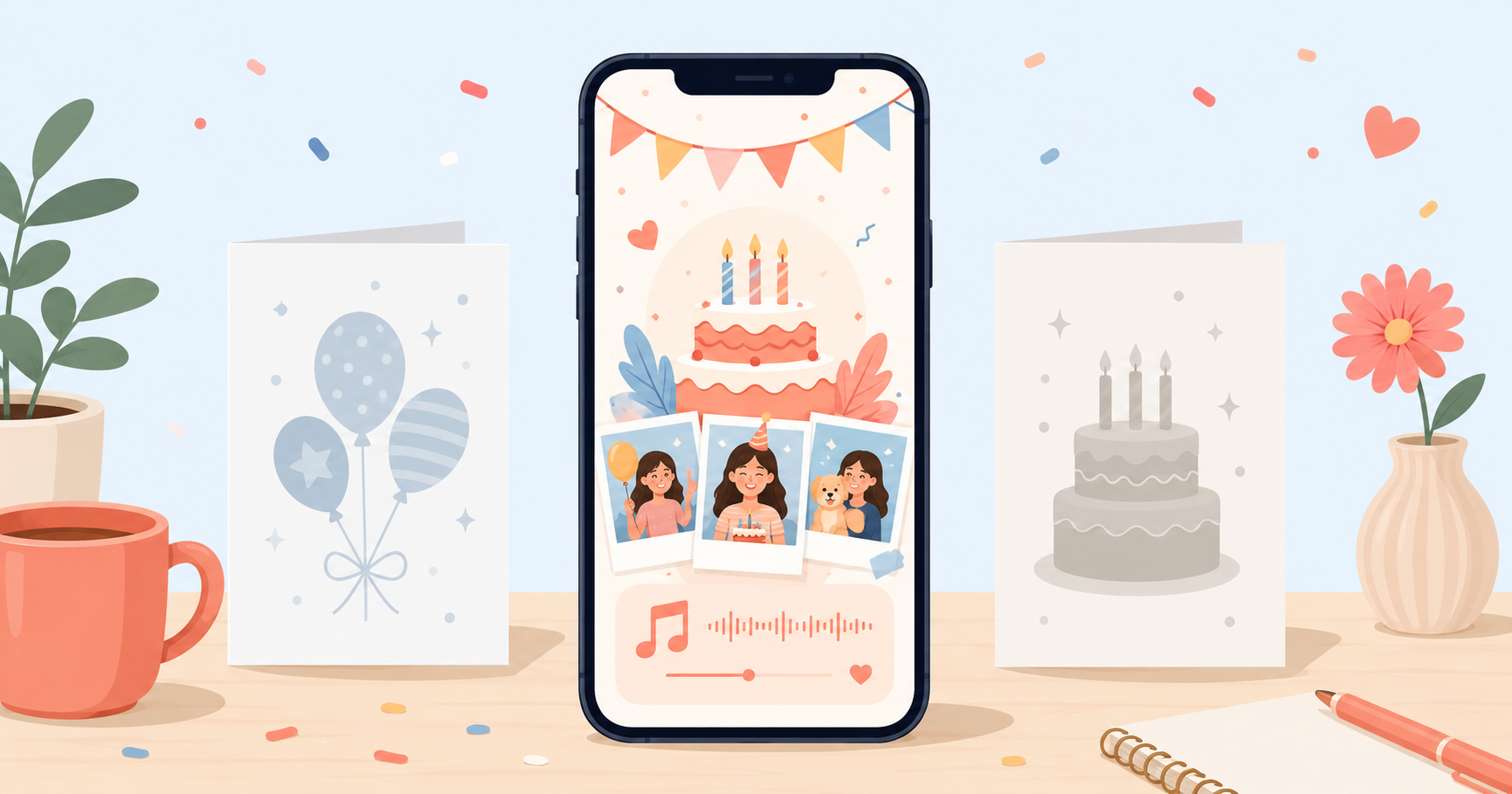
OpenMe makes a birthday website for exactly one recipient. You add their photos, a song, a letter in your own words and a little interactive cake. It arrives as a single link, locked behind a PIN only they know, and stays live for a month.
Strong when: it is your partner, your best friend, your mom, someone you want to move properly. Long distance especially, since the whole gift travels as one link. It takes about ten minutes to build, so it also rescues last-minute birthdays.
Not built for: collecting messages from a crowd. It is deliberately one voice, from you. If you want thirty coworkers involved, use a board tool instead. It is also birthdays only for now, and pages retire after a month unless you ask for longer.
Pricing: a small one-time payment per card. No subscription.
Kudoboard: the group board standard
Kudoboard is the best-known way to collect birthday messages from a group onto one shared board. Everyone adds a note, a photo or a GIF, and the recipient scrolls through the pile.
Strong when: offices, teams, big friend groups, farewells as much as birthdays. The value is volume. Twenty people showing up on one board feels like a surprise party in message form.
Not built for: intimacy. A board of thirty short notes is warm, but it is not a gift from you. If the recipient is your person rather than your colleague, a group board can feel oddly corporate.
Pricing: per-board pricing with limited free options, and subscriptions for teams that send many.
VidDay: the group video montage
VidDay collects video clips from a group and assembles them into one birthday montage, with themes and music handled for you.
Strong when: you want faces and voices. A montage of people saying happy birthday out loud is genuinely moving, and VidDay removes the editing work that usually kills these projects.
Not built for: speed or solo gifts. Chasing people for clips takes days, and a montage made by one person is just a video you could have sent directly.
Pricing: pay per video, priced by length.
GreetPool and similar group ecards
Group ecard tools like GreetPool sit between a traditional ecard and a Kudoboard style board. Multiple people sign one designed card.
Strong when: you want the group gesture with less setup than a full board, often for office birthdays.
Not built for: anything personal or interactive. It is a signed card, done well, and that is the ceiling.
Canva, Google Sites and the DIY route
You can absolutely build a birthday page yourself. Canva has free website publishing, Google Sites is free with a Google account, and if you code, a small static page is a weekend project.
Strong when: you enjoy making things and have the hours. Total creative control, zero product constraints, and free.
Not built for: most people's reality. You are designing from a blank page, hosting music and interactions is on you, the link is usually public rather than PIN-locked, and the time cost is real. The night-before birthday is not the night to learn a website builder. If you go this route, our guide to making a birthday website walks through what to include.
The short version
- One person, from you, personal: OpenMe.
- Many people, messages: Kudoboard.
- Many people, video: VidDay.
- Office card, low effort: GreetPool or similar.
- You have time and want full control: Canva or Google Sites.
Making it for one person?
Their photos, your song, your letter, behind a PIN only they know. That is the job OpenMe was built for.
Start the surprise 🎂How to choose in ten seconds
Picture the recipient opening it. If the best version of that moment is "look how many people care", go group board or montage. If the best version is them going quiet because someone actually knows them, make a birthday website for that one person. Match the tool to the moment and you cannot really get it wrong.
Make their birthday website
Add their photos, your song and a private note. Share one secret link they unlock with a PIN.
Start the surprise 🎂Frequently asked questions
What is the best birthday website maker?+
It depends on the job. For one person you want to move deeply, a private page builder like OpenMe fits best. For collecting messages from a big group, a board tool like Kudoboard fits. For a montage, a group video tool like VidDay is built for it.
What is the difference between a group birthday card and a birthday website?+
A group card collects short messages from many people onto one board. A birthday website is one page made by one person for one person, with photos, a song and a letter. Group cards say a lot of people remembered. A birthday website says one person really knows you.
Can I make a birthday website for free?+
Yes, with general tools like Canva or Google Sites, if you are happy to design it yourself and share a public link. Purpose-built tools charge a small amount and in return handle the design, the music, the interactions and the privacy for you.
Last updated 6 July 2026