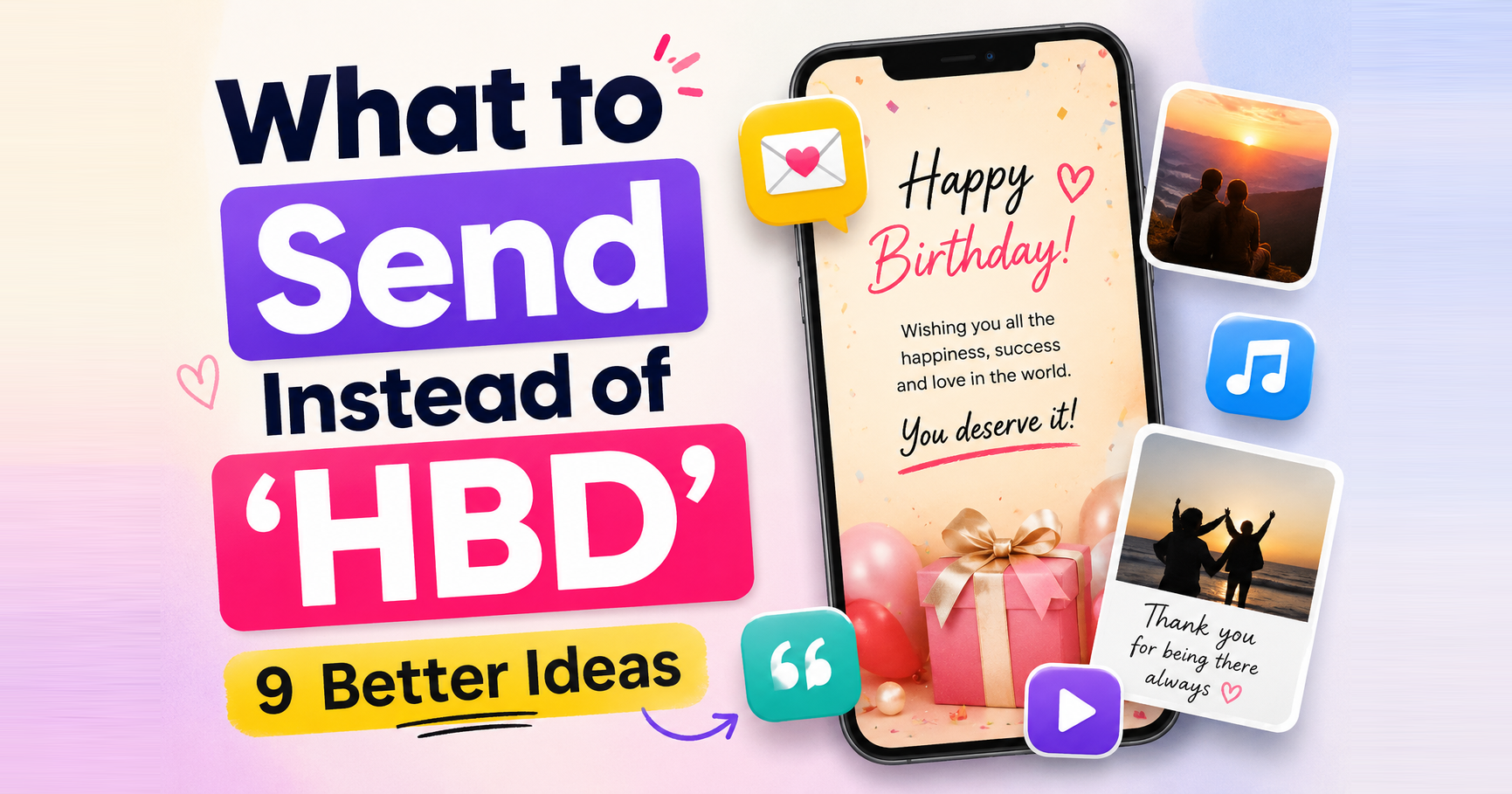
How to Make a Birthday Website (Step by Step)
Make a birthday website in minutes. Add photos, a song and a private note, lock it with a PIN, and share one link. No coding, works on any phone.
Jeel Patel
Founder of OpenMe · 30 June 2026 · 3 min read
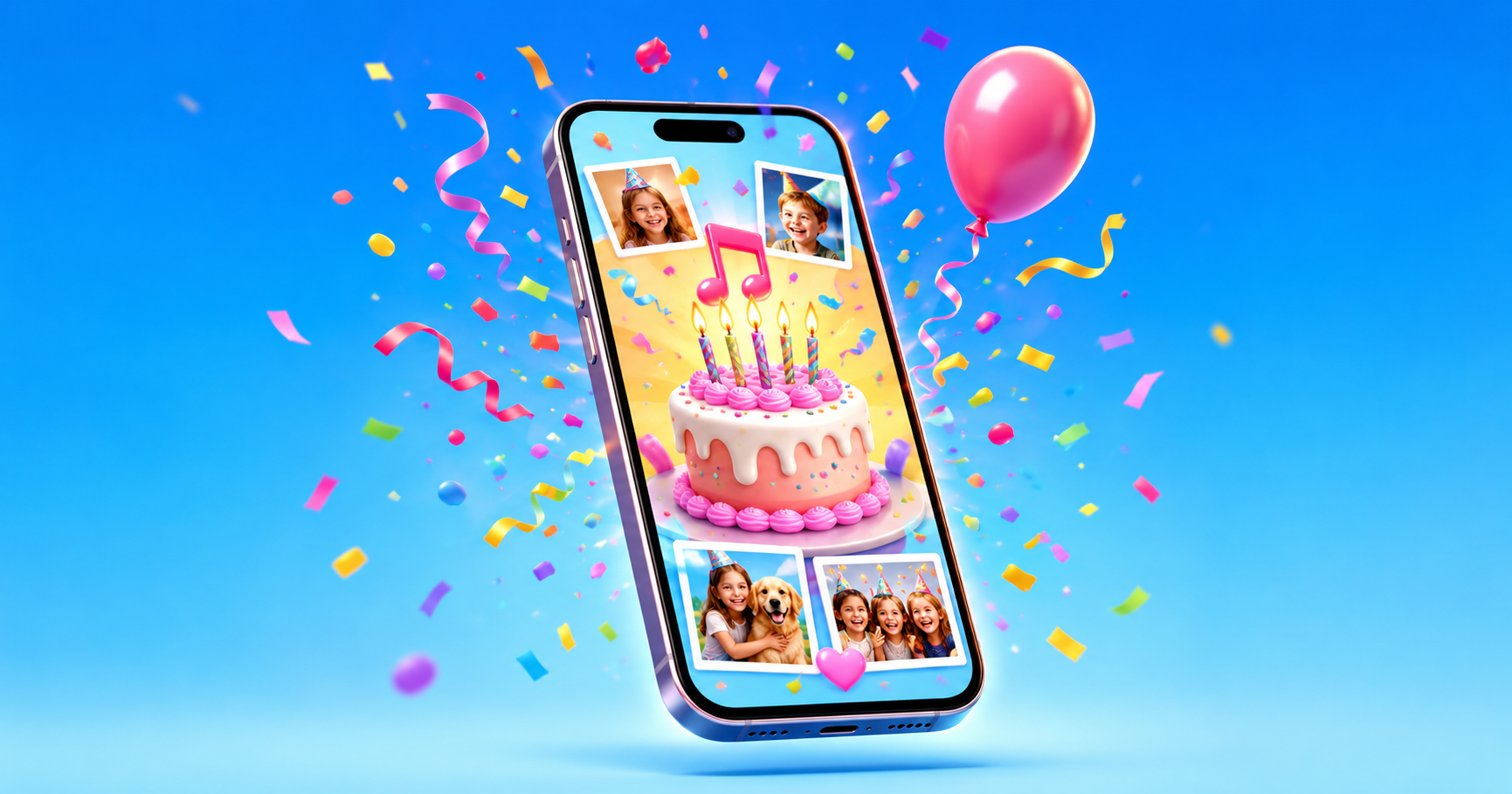
A birthday text is fine. It is also the same thing everyone else sends. A birthday website does something a text cannot. It gives the person a few minutes that are only about them.
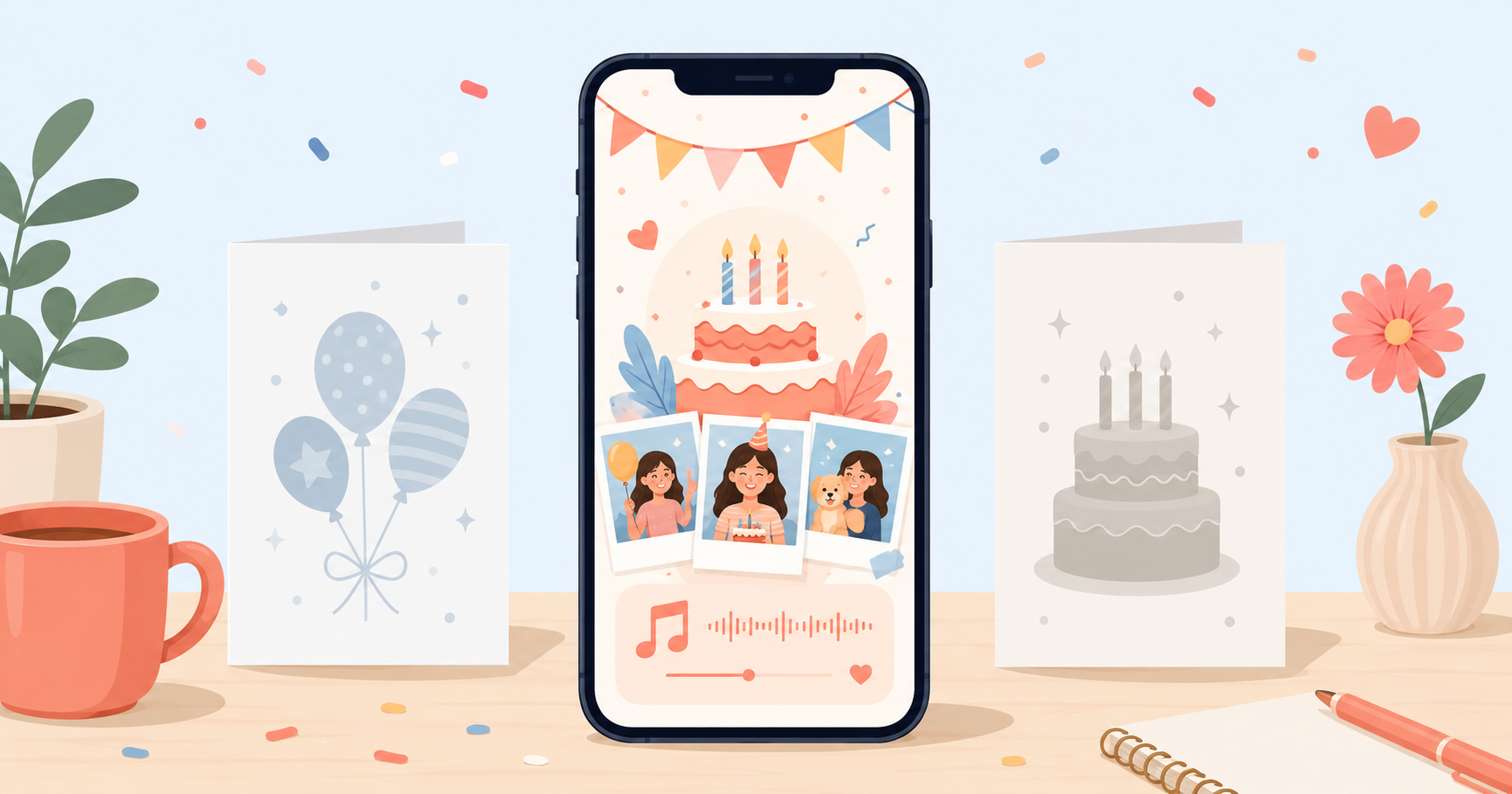
A birthday website is one private page made for one person. Their name at the top, their photos inside, a song that means something, and a note in your own words. They open it from a link, and it feels like walking into a room you set up just for them.
Here is how to make one.
What you need before you start
Nothing technical. Just gather a few things first:
- Five to ten photos of the two of you. Screenshots are fine.
- One song. The one that always reminds you of them.
- A few lines to say. Plain and honest beats clever.
- A secret only they would know, to use as the PIN.
That is the whole list.
Step 1: Add their name
Open the birthday website maker and start with their name. This is the name shown large when they open the page, so use whatever you actually call them. A nickname often lands warmer than a full name.
Step 2: Add your photos
Drop in the photos you gathered. Mix it up. A few of the two of you, one that makes them laugh, one they have never seen. They show up as a wall of photos revealed one tap at a time, so the order becomes a small story. The blurry ones from a good night usually mean the most.
Step 3: Pick the song
Add one song, not a playlist. The moment they open the page, it starts playing, and the right track does half the work for you.
Step 4: Write the note
This is the part people overthink. You are not writing a speech. Picture them reading it and say the thing you would struggle to say out loud. Three or four short lines is plenty.
Step 5: Lock it with a PIN
Set a short PIN only they would guess. This keeps the page private and turns the opening into a tiny game. They get the link, work out the code, and that small moment makes the reveal feel earned. You can leave a gentle hint so they are never stuck.
Step 6: Share one link
When it is ready, you get a single link. Send it the way you normally talk to them, or time it to land at midnight. They tap it, enter the PIN, and the page opens with their name, the song, the photos and your words.
Make their birthday website
Add their photos, your song and a private note. Share one secret link they unlock with a PIN.
Start the surprise 🎂Why it beats a normal gift
A gift gets used or put in a drawer. A birthday website is a place they can go back to. People reopen these on bad days, or a year later, because it is a small record of being thought about.
It also works when you cannot be there in person. If they live in another city, this is the closest thing to setting up a surprise yourself. See long distance birthday surprise ideas for more on that.
Making one for a partner? We wrote a separate guide on birthday websites for your girlfriend or boyfriend with ideas that fit a relationship. For everyone else, from your mom to your dad, we keep surprise ideas sorted by person.
A few things that make it better
- A one-line caption under a photo often hits harder than the photo alone.
- Send it at midnight or first thing in the morning, not a random afternoon.
- Keep the note short. People reread short messages and skim long ones.
- Use a PIN with meaning. The code itself can be part of the message.
You can put one together in about the time it takes to pick a card in a shop, and this one does not get thrown out next week.
Make their birthday website
Add their photos, your song and a private note. Share one secret link they unlock with a PIN.
Start the surprise 🎂Frequently asked questions
Do I need to know how to code?+
No. You fill in a short form with their name, photos, a song and your note, and the page builds itself. Nothing to install, nothing technical.
How long does it take?+
About ten minutes. The slow part is choosing photos and writing your note, and even that is quick once you start.
Is the birthday website private?+
Yes. Each page is locked with a PIN you choose, and no one can see it without your private link. Your details stay private with us.
How long does the website stay live?+
Each card stays live for one month. If you want it up for longer, send us a quick message through the contact page and we will sort it out.
Can they open it on a phone?+
Yes. It opens straight from the link on any phone or laptop. No app to download and no account to make.
Last updated 30 June 2026